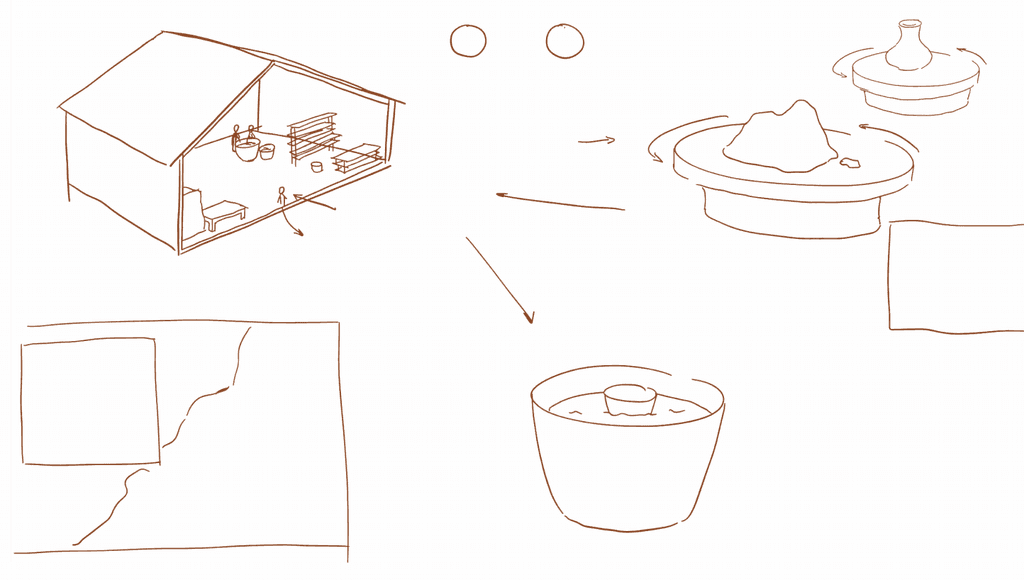
could rotate
Introduction
Experience
zoom in & out
Zoom in
Zoom out
Could choose other place to zoom in
Throwing
Glaze
Different step
Picture / Text
/Video
(short, clean)
Introduction interface
Corresponding
step in real
studio
Work step’s detail information
The glaze step could make the surface become shiny and smooth after kiln. To create variety style
2 Different icon
New experience design sketch
EXPERIENCE DEVELOPMENT
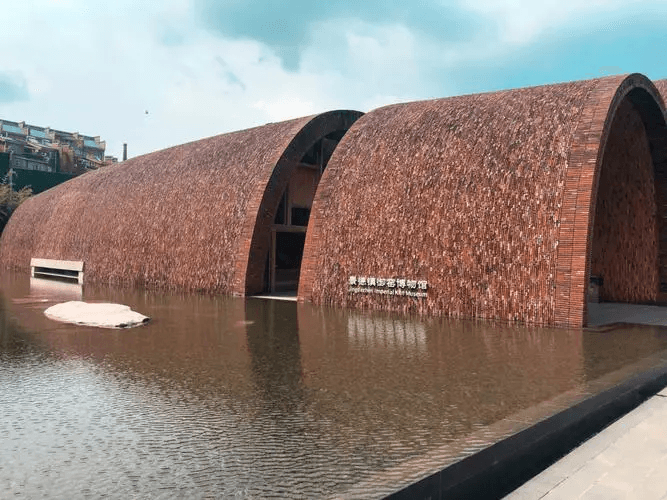
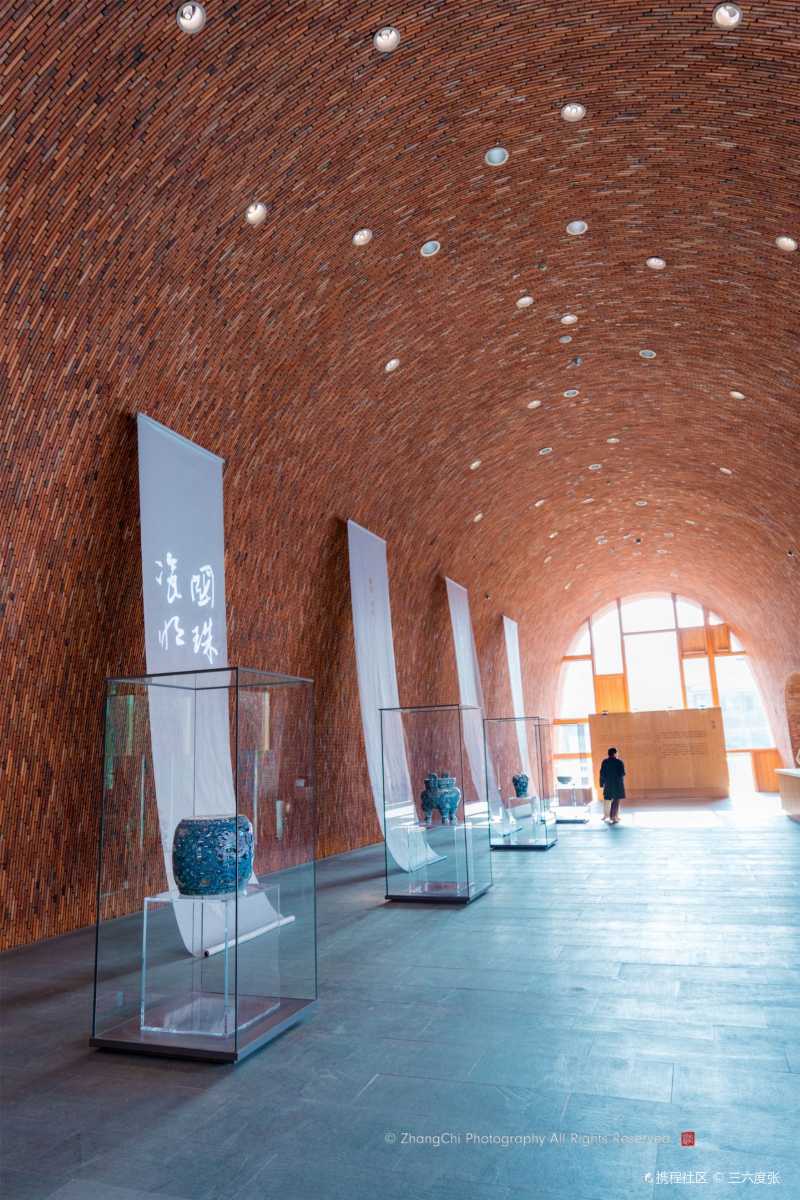
Intro
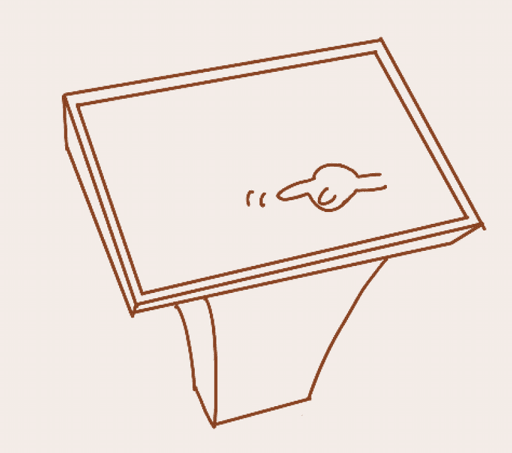
Click to enter
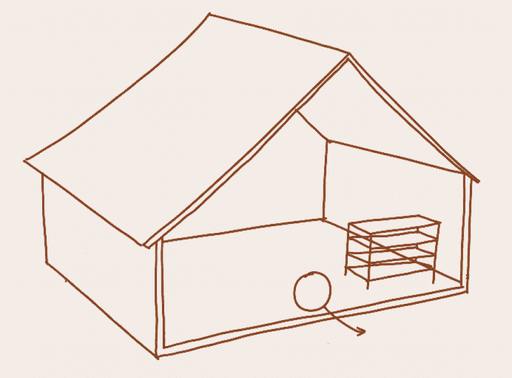
Initial interface
The only clickable introduction point
Introduction
(A basis introduction of the crafts in Jingdezhen)
Click
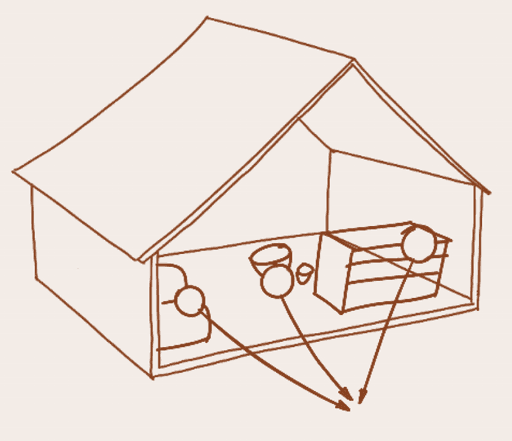
Click
Explanation of each step
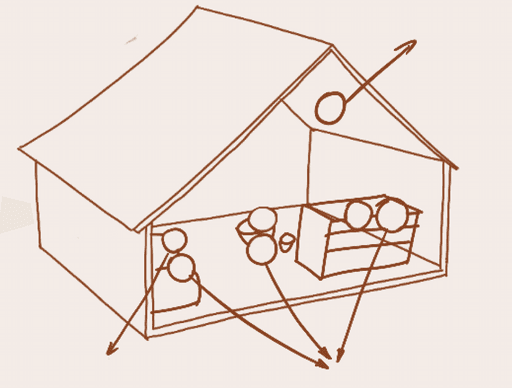
Click
Click to try to make a ceramic
Restart process from here
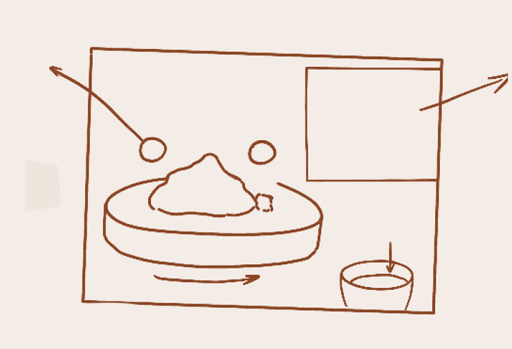
Choose different types of mud
Start wedge &Throwing
Use two hands
Have different result
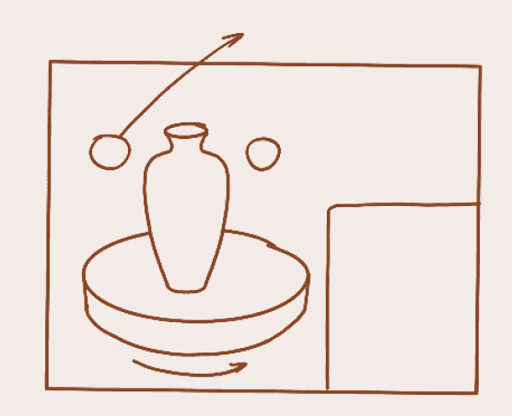
Start wedge &Throwing
Toolbar
Use two hands
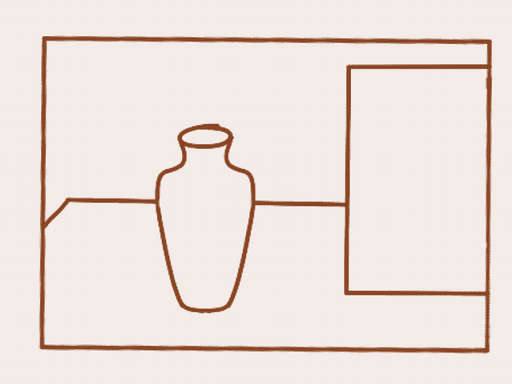
Toolbar
Start carving
Wedge & Throwing

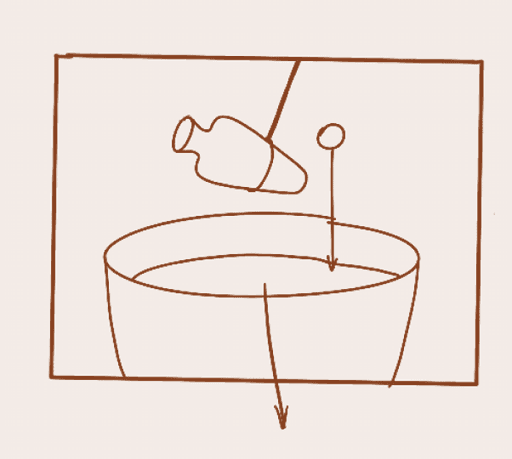
Could choose different color glaze
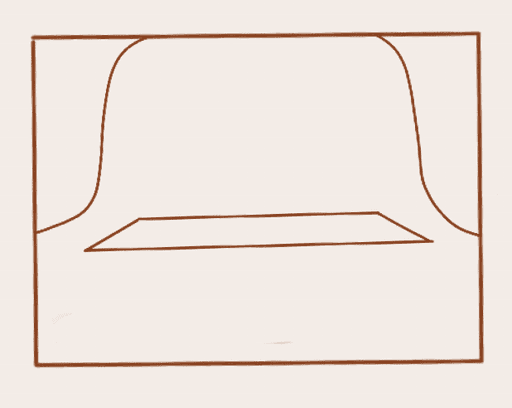
Kiln
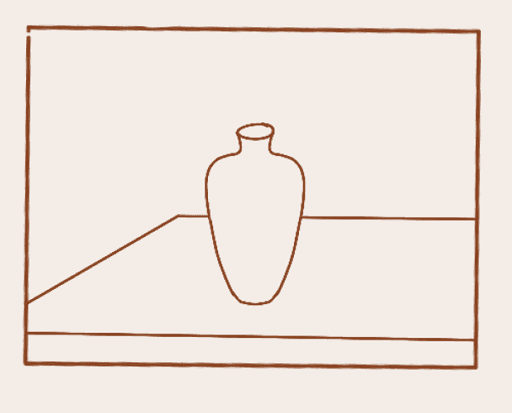
Final outcome
Choose different condition
Put into glaze
Glaze

Kiln

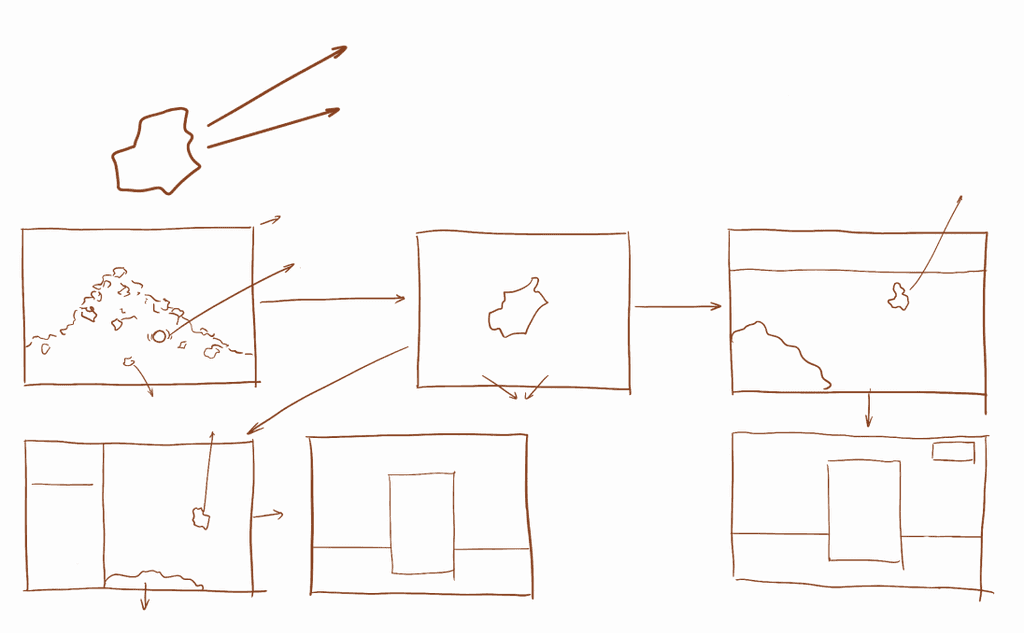
Innovate: Use the fragment to create something new and interesting
Reprint/Repair: Repair it to its original appearance
Fragment heap
Some fragment could drag and these could choose
Click on one fragment
Could drag
Fragment
Toolbar
Original intact ceramic picture
Mud
Final
Final
Repair
Innovate
Choose one
Innovate
Toolbar
Mud
Final
Final
Save
Fragment piece could rotate
Improvement
Fragment
Fragment
User need to think about use which technic to repair